On this page
The Dashboard
Every Aircast device serves its own web dashboard. Open http://<hostname>.local on your network, or the device's Tailscale address from anywhere. Everything ships in the image: aircastd serves the dashboard on port 80 and manages streaming, telemetry, and networking, with no cloud account and no SSH. When the device is healthy you'll see the green “All systems operational” banner at the top of every page.
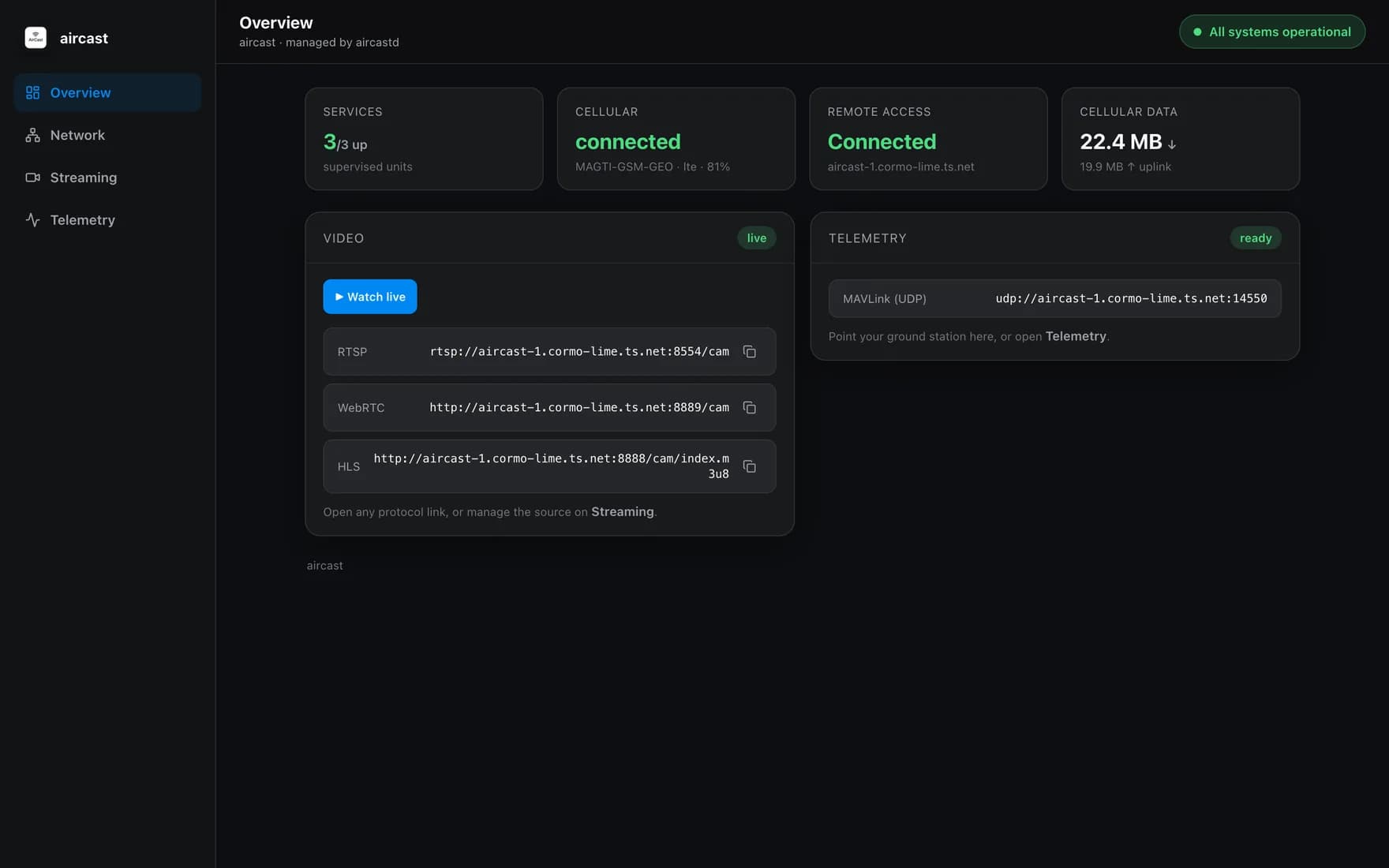
Overview
Everything at a glance: how many services are up, cellular carrier & signal, remote-access status, and data used. The Video card gives you ready RTSP, WebRTC, and HLS links (or one-click Watch live), and the Telemetry card shows the MAVLink endpoint to point a ground station at.
Network
Manage connectivity without touching a terminal. See the cellular modem (carrier, APN, signal, data), and the interface priority: cellular is the primary uplink, with wired/Wi-Fi as automatic backups. The Tailscale panel binds the device to your tailnet so you can reach the dashboard and streams from anywhere.
The card at the top names whichever link is carrying traffic right now, and judges it rather than just reporting it: it says whether the link is keeping up with what the device is asking of it, and why. “Nothing to carry yet” because no camera is publishing is a different problem from a link that is struggling, and the page keeps the two apart.
Cellular data counts usage three ways: this flight, this month, and all time. Under Data caps & warnings you can set a monthly plan in gigabytes, a per-flight budget in megabytes, and the percentage you want to hear about. Warnings are sent to your ground station as messages you see mid-flight. Caps never cut the link: nothing here will take video away from you over a number.
Saving a new APN re-dials the modem, so the link drops for a moment when you change it.
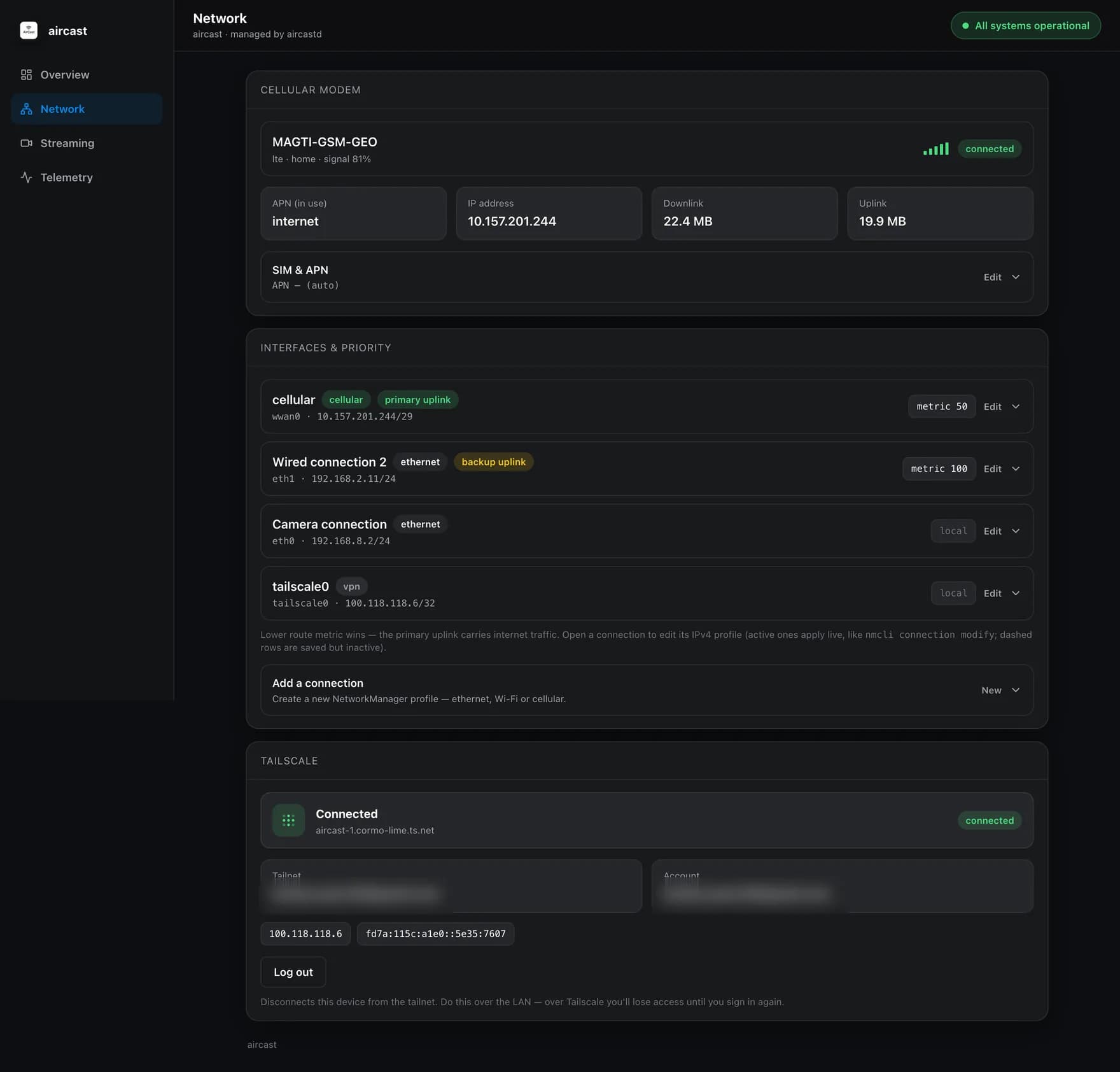
Streaming
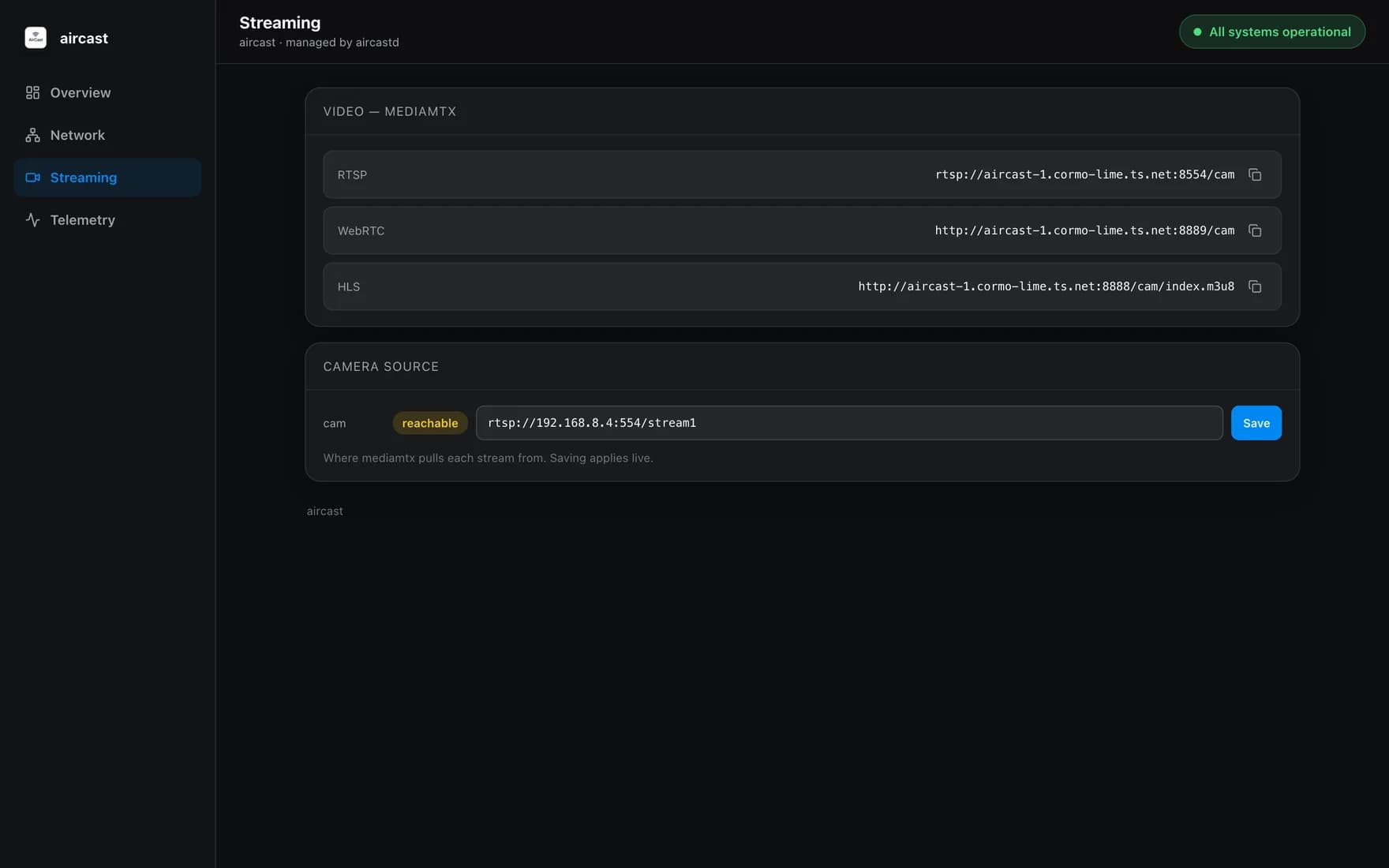
The video plane, powered by MediaMTX. Copy the RTSP, WebRTC, or HLS endpoint for your viewer, and set the Camera Source: the RTSP URL the Pi pulls from (a reachability check confirms the camera is live). Saving applies instantly, no restart.
With one camera the page opens straight onto it. Add a second and it opens on a wall of tiles instead, because the first question with two feeds is which one you are looking at. Opening a tile focuses that camera alone, so everything below it belongs to that camera: its own address, its own name in the stream URLs, its own recording, and its own destinations. One camera can publish to the cloud while another goes only over the radio.
Point two cameras at the same address and both are flagged as sharing a source, with a note that the one feed is being split rather than pulled twice. That is deliberate: identical pictures on two tiles is otherwise a confusing thing to debug.
Telemetry
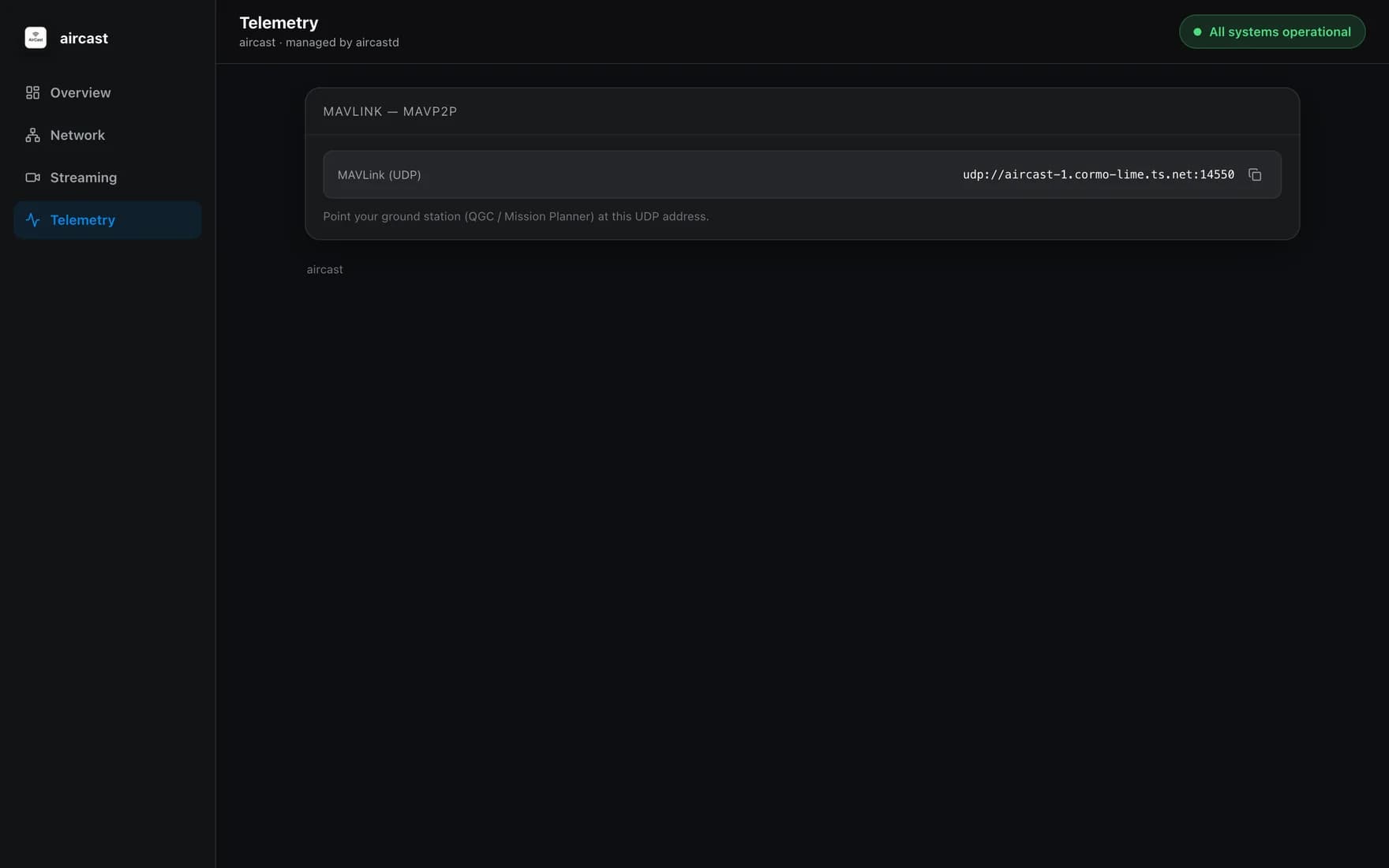
MAVLink routing via mavp2p. Point your ground station, QGroundControl or Mission Planner: at the UDP endpoint shown here and you have flight telemetry alongside the video stream, both over the same cellular link. See Connect a Ground Station for the setup.
Flash your Pi in about 5 minutes
The Aircast Flasher downloads the image, sets Wi-Fi and hostname, and verifies the card.
On This Page